Build a role list
Write down the event roles that need access: competitors, coaches, referees, production staff, network operators, administrators, vendors, and venue personnel. Define what each role needs to enter or operate, then grant only that scope. A badge should not imply permission to use every console; a login should not grant every administrative function. Where possible, use named accounts and role-based permissions rather than shared credentials.
Ask a role owner to approve each exceptional request. Note who approved it, what access was granted, why it was necessary, and when it should end. Temporary access should expire or be removed promptly when the work is complete. Build a short checklist for staff turnover and contractor departure so credentials are not left active after a person’s role changes.
Make physical access visible
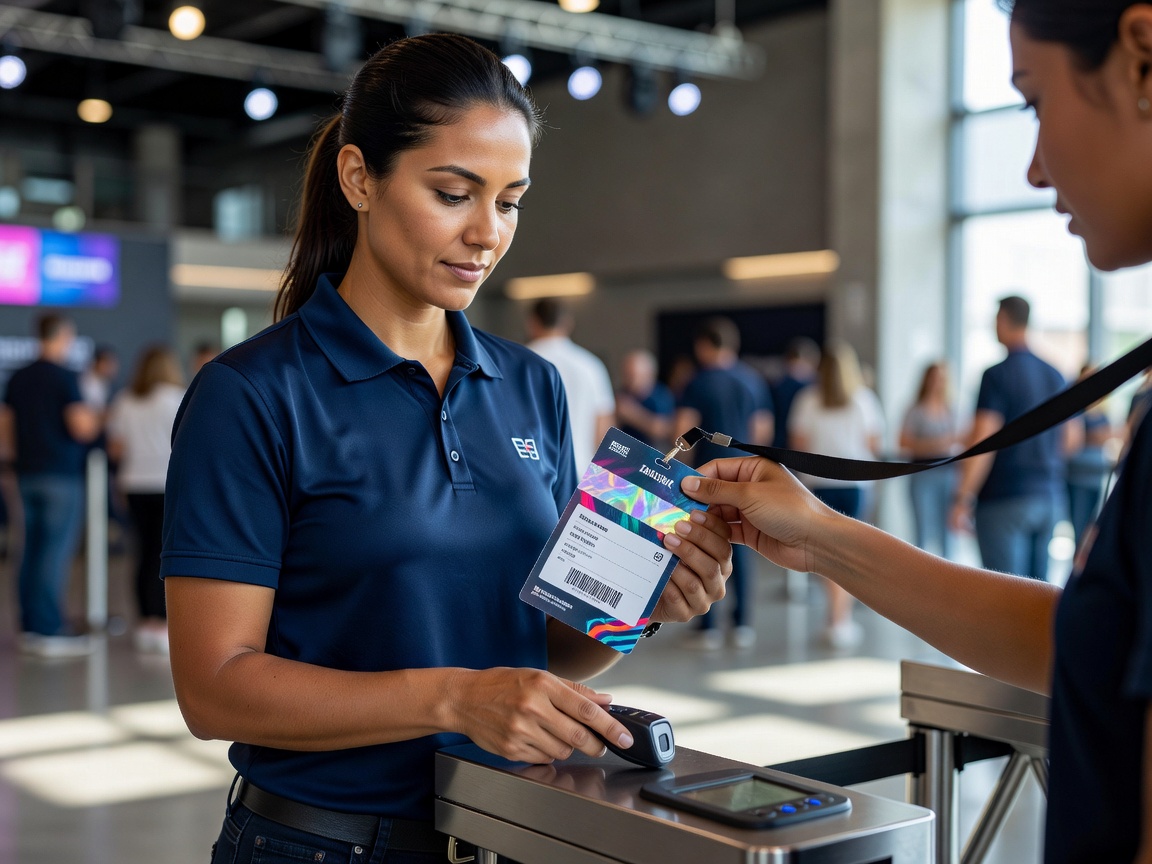
Identify sensitive areas such as network racks, referee stations, player equipment stores, and production control points. Keep access routes observable and issue credentials that staff can recognize without exposing unnecessary personal data. The process should give people a polite way to check a badge or ask for an escort. Provide a named contact for lost badges and make the replacement process invalidate the old credential where that is supported.
Do not rely on a badge alone where a higher-risk operation needs a second check. For example, sensitive configuration changes may require a named account and a recorded approval. Keep visitor or vendor access time-bound, accompanied where appropriate, and limited to the area required. Staff need to know how to respond if a person is in a restricted area without a clear purpose.
Keep a useful audit trail
Logs and sign-in records help reconstruct what happened, but access to them should also be controlled. Decide what is recorded, who can review it, and how long operational records are kept under the event’s policies. Make logs consistent enough to compare names, times, actions, and outcomes. Check clock settings across relevant systems where practical, since mismatched times can make an incident sequence difficult to follow.
At the end of the event, review elevated access, remove temporary permissions, collect physical credentials, and note unresolved exceptions. Treat access review as a scheduled task with an owner—not a vague reminder for after the team has packed up.