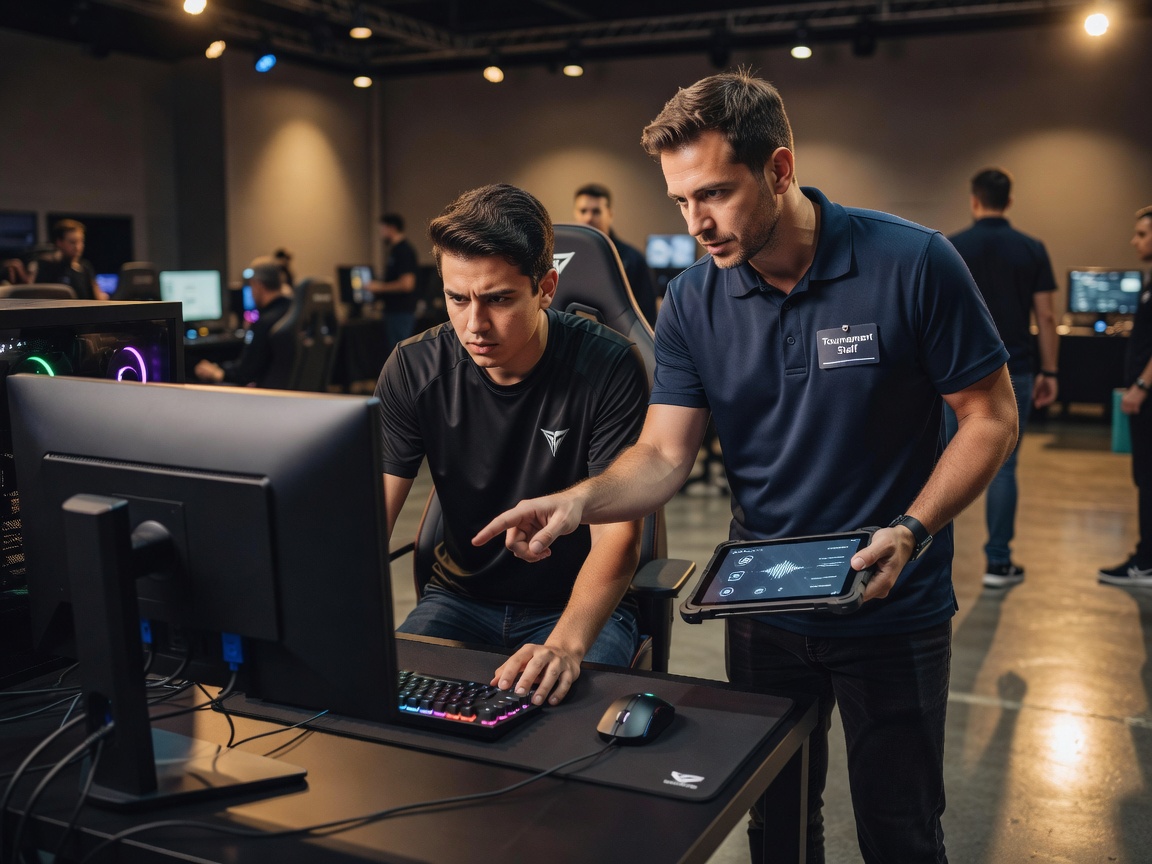
Set the account rules before check-in
Publish which accounts competitors should use, what identity checks are part of registration, and who can resolve a sign-in problem. Separate event-system accounts from personal accounts wherever possible. Do not ask competitors to disclose passwords to staff. If a game or platform has its own account rules, make those requirements visible in advance and provide an official support route.
Encourage unique passwords and a password manager for accounts that support them. Turn on multifactor authentication (MFA) when available, particularly for tournament administration, team management, email, and recovery accounts. Authentication codes should not be posted in public channels or sent to someone claiming to be support without verification. Staff should never need a competitor’s password to troubleshoot a client.
Make recovery safe and timely
Account recovery is a high-pressure moment: the match schedule is moving, a player may be locked out, and an impersonator may attempt to exploit urgency. Give staff a written verification route that uses trusted registration details and an authorized decision-maker. Avoid improvising identity checks in public chat. Record only the minimum information needed to track the case, limit who can view it, and remove access when the case is resolved according to your retention process.
Confirm access to recovery email addresses and phone numbers before the event. Review backup codes and recovery settings privately. For shared team or event accounts that cannot be avoided, name an owner, restrict sign-in and recovery privileges, and document how access changes hands. Shared credentials make accountability difficult; use named accounts and role-based access wherever the service supports them.
Protect devices and sessions
Use approved, up-to-date devices and software. Ask players to lock screens when stepping away and sign out of temporary event devices after use. Staff should not save credentials in a shared browser, allow a queue of people to reuse an authenticated session, or leave recovery codes on a desk. Keep support interactions calm and consistent: verify the request, explain the next step, and avoid asking for secrets.