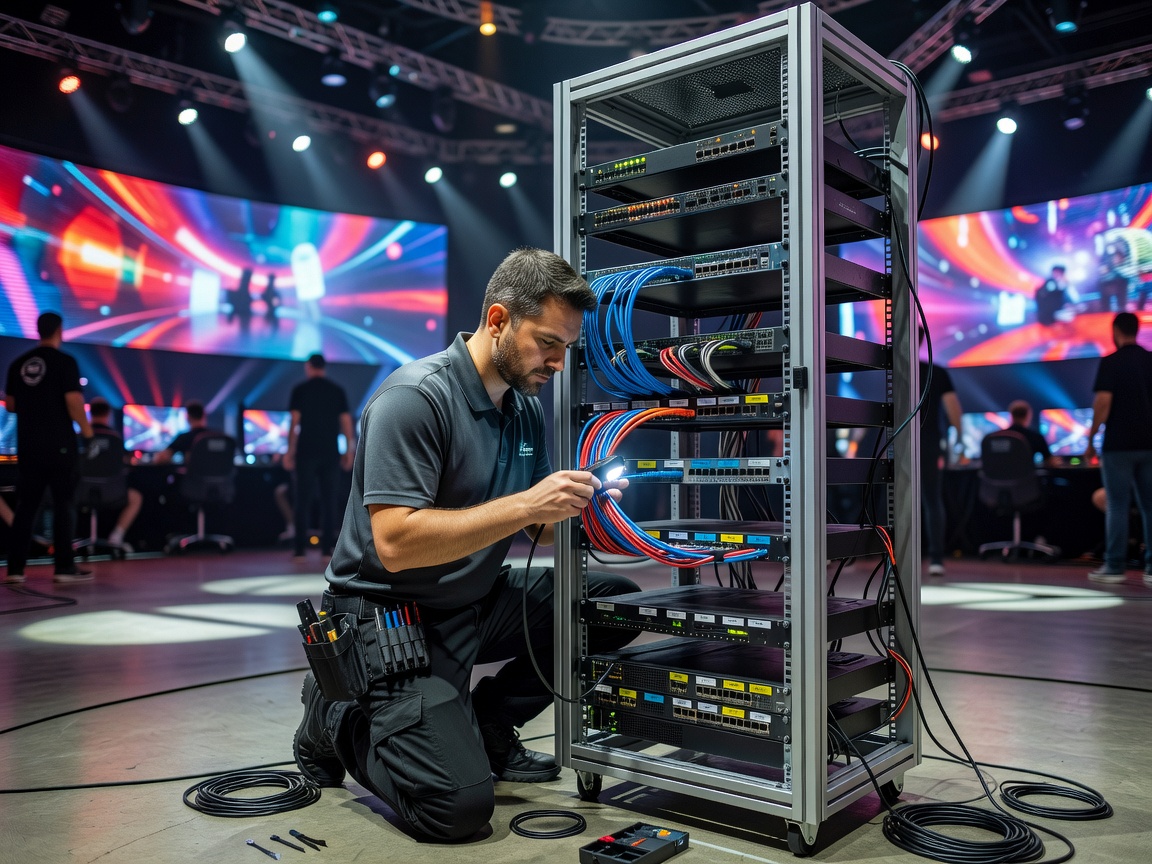
Start with a map, not a cable
List the systems the event relies on: player stations, game and tournament services, broadcast production, staff administration, venue management, and public guest access. For each, record its owner, required destinations, and the person who can approve a change. A simple diagram with device groups and connection paths is more useful on event day than an undocumented configuration only one technician understands.
Where equipment and event requirements allow, use separate network segments for distinct purposes. Player traffic should not automatically inherit access to staff administration or production systems. Guest Wi-Fi should be treated as a separate service, not a convenient route to tournament equipment. Segmentation is not a guarantee by itself: verify what can communicate across boundaries and restrict unnecessary paths.
Test the actual venue conditions
Test using the event’s real switches, access points, stations, and upstream connection. Confirm that the intended game services work, that unapproved destinations are not reachable where restrictions are expected, and that a normal failure can be diagnosed. Label cables and ports consistently. Keep configuration copies and a change log in a location the responsible staff can access, while protecting credentials from public view.
Agree on who can change network settings during a competition. Make emergency changes traceable: record the time, reason, operator, affected segment, and validation result. If a supplier or venue technician needs temporary access, define the scope and expiry before granting it. Avoid sharing administrator passwords through chat or leaving them written beside the equipment.
Monitoring and fallback
Decide what staff will watch: connection loss, unusual device joins, service availability, and alerts from relevant equipment. Monitoring should support a response, not create noise no one owns. Set an escalation contact and a simple threshold for pausing play, notifying teams, or moving to a backup connection. Rehearse the fallback while the event is quiet. Confirm that backups do not silently bypass the same separation and access controls as the primary setup.